Get WPFTS Pro today with 25% discount!

Sorry no posts match your criteria

Recipes and Known Solutions
2 2 1.5k 1

  • Hello,
    We are having an issue with the plugin I have been unable to resolve. As we enter data into the search box, it comes up with an error message BEFORE we hit the "find" button. Once we click "find", it locates the item. This error is causing major confusion with the users because they think what they are searching for cannot be found. Our site operates by searching PDF documents in the media section exclusively so I am not sure if that is the issue.

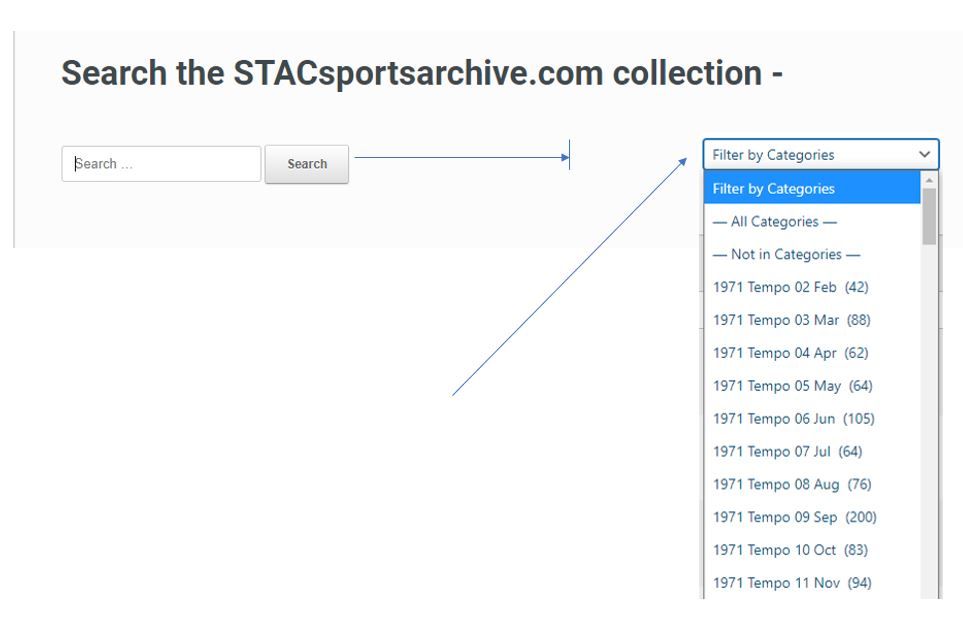
    I would like to either remove or rename the error message so that users will not be confused. Attached is a screenshot of what I am referring to. Can you help?

    alt text


  • Hi @teri-sahm

    It looks like this message is generated by some other plugin or maybe "auto-suggestion" feature of the theme. Could you try to check if there is an option in the theme settings or some AJAX Search plugin? Could you try to disable it?

    Thank you for this report!

Suggested Topics

  • 0 Votes
    1 Posts
    458 Views
    No one has replied
  • 0 Votes
    5 Posts
    1k Views
    G
    @EpsilonAdmin Thanks for quick response and question. Yes, my hope was to use the standard WP search widget - but I haven't explored any other option. If there's a better way I'm happy to get guidance My site has been recently re-created in WordPress after quite a few years of running under Joomla and that Joomla installation had a free plugin called jiFiles (?) which did the document scanning/indexing. A standard search, scoped on file name or a string from within file content, would pull up a list of file names each hyperlinked to the file itself to easily click on for in-browser viewing (or possibly downloading). I appreciate that there are other WordPress plugins that offer a full document management system but they have a much larger feature set than I need and are also majorly expensive for a small non-profit community web site.
  • 0 Votes
    25 Posts
    8k Views
    EpsilonAdminE
    Hi, Larry The problem with the links has been fixed - just a typo in the code. The code in the messages above is correct.
  • 1 Votes
    4 Posts
    2k Views
    P
    @pettera It is the same post. But as you can see tthe second post is displayed with the category name, and the category slug at the end of the url.
  • 0 Votes
    2 Posts
    3k Views
    EpsilonAdminE
    There is a simpler way for fix the Avada Theme search results issue in case you're using Avada Theme 7.0+. In this version the authors enabled to override the output of search results by the hook. So using the simple addon become possible. Just download it and install. And enjoy the Smart Excerpts wpfts-addon-avada-theme.zip

Be the first to read the news!

We are always improving our products, adding new functions and fixes. Subscribe now to be the first to get the updates and stay informed about our sales! We are not spammy. Seriously.

Join Us Now!

We are a professional IT-team. Many of us have been working in a Web IT field for more than 10 years. Our advanced experience of software development has been employed in the creation of the WordPress FullText Search plugin. All solutions implemented into the plugin have been used for 5 or more years in over 60 different web-projects.

We are looking forward to your comments, requests and suggestions in relation to the current plugin and future updates.

ewm-logo-450

The forum powered by NodeBB | Contributors